
Robert Shimonski,Michael G. Solomon
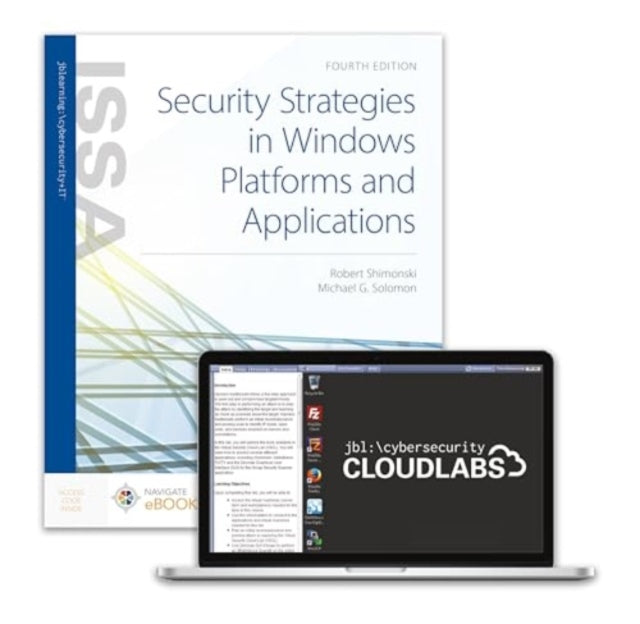
Security Strategies in Windows Platforms and Applications + Cloud Labs
Security Strategies in Windows Platforms and Applications + Cloud Labs
💎 Earn 679 Points (£6.79) on this item.
We can order this item for you. Delivery usually takes about 4 to 6 weeks.
This item is not held in our immediate stock. We will order it for you after checkout.
Estimated delivery: About 4 to 6 weeks
YOU SAVE £8.06
- Condition: Brand new
- UK Delivery times: Usually arrives within 2 - 3 working days
- UK Shipping: Fee starts at £2.39. Subject to product weight & dimension
Bulk ordering. Want 15 or more copies? Get a personalised quote and bigger discounts. Learn more about bulk orders.
Couldn't load pickup availability
- More about Security Strategies in Windows Platforms and Applications + Cloud Labs
Format: Paperback / softback
Publication date: 01 December 2023
Publisher: Jones and Bartlett Publishers, Inc
Cybersecurity Cloud Labs for Security Strategies in Windows Platforms and Applications offer a comprehensive and immersive learning experience with fully immersive mock IT infrastructures featuring live virtual machines and real software. These labs provide students with the opportunity to learn and practice essential information security skills in a risk-free environment, replicating the complex challenges of the real world. Available as standalone lab solutions or bundled with Jones & Bartlett Learning textbooks, these labs are an essential tool for mastering key course concepts through hands-on training.
Lab 1: Implementing Access Controls with Windows Active Directory: This lab focuses on configuring and managing access controls in Windows Active Directory, including user accounts, groups, and permissions. Students will learn how to create and modify user accounts, assign permissions to groups, and implement access control policies.
Lab 2: Using Access Control Lists to Modify File System Permissions on Windows Systems: This lab teaches students how to use Access Control Lists (ACLs) to modify file system permissions on Windows systems. Students will learn how to create, modify, and delete ACLs, and apply them to specific files and directories.
Lab 3: Configuring Microsoft Encrypting File System and BitLocker Drive Encryption: This lab covers the configuration and implementation of Microsoft Encrypting File System (EFS) and BitLocker Drive Encryption. Students will learn how to encrypt files and folders, set encryption policies, and manage encryption keys.
Lab 4: Identifying and Removing Malware from Windows Systems: This lab teaches students how to identify and remove malware from Windows systems. Students will learn how to use antivirus software, perform malware scans, and remove infected files and programs.
Lab 5: Managing Group Policy within the Microsoft Windows Environment: This lab covers the configuration and management of Group Policy in the Microsoft Windows environment. Students will learn how to create and modify Group Policy objects, apply policies to users and computers, and troubleshoot Group Policy issues.
Lab 6: Auditing Windows Systems for Security Compliance: This lab focuses on auditing Windows systems for security compliance. Students will learn how to perform security audits, identify vulnerabilities, and implement security controls.
Lab 7: Creating a Scheduled Backup and Replicating System Folders: This lab teaches students how to create and schedule backups of Windows systems, and how to replicate system folders to a remote location. Students will learn how to use backup software, configure backup schedules, and troubleshoot backup issues.
Lab 8: Hardening Windows Systems for Security Compliance: This lab covers the hardening of Windows systems for security compliance. Students will learn how to configure security settings, implement security policies, and secure network connections.
Lab 9: Securing Internet Client and Server Applications on Windows Systems: This lab covers the security of internet client and server applications on Windows systems. Students will learn how to secure web servers, configure firewalls, and implement security protocols.
Lab 10: Investigating Security Incidents within the Microsoft Windows Environment: This lab focuses on investigating security incidents within the Microsoft Windows environment. Students will learn how to analyze security logs, identify the cause of an incident, and implement security measures to prevent future incidents.
In conclusion, cybersecurity Cloud Labs for Security Strategies in Windows Platforms and Applications provide a comprehensive and immersive learning experience with fully immersive mock IT infrastructures featuring live virtual machines and real software. These labs are an essential tool for mastering key course concepts through hands-on training, and are available as standalone lab solutions or bundled with Jones & Bartlett Learning textbooks. By learning and practicing these skills, students can prepare for their future careers in information security and contribute to the protection of organizations' assets.
Weight: 765g
ISBN-13: 9781284282009
Edition number: 4 ed
This item can be found in:
UK and International shipping information
UK and International shipping information
UK Delivery and returns information:
- Delivery within 2 - 3 days when ordering in the UK.
- Shipping fee for UK customers from £2.39. Fully tracked shipping service available.
- Returns policy: Return within 30 days of receipt for full refund.
International deliveries:
Shulph Ink now ships to Australia, Belgium, Canada, France, Germany, Ireland, Italy, India, Luxembourg Saudi Arabia, Singapore, Spain, Netherlands, New Zealand, United Arab Emirates, United States of America.
- Delivery times: within 5 - 10 days for international orders.
- Shipping fee: charges vary for overseas orders. Only tracked services are available for most international orders. Some countries have untracked shipping options.
- Customs charges: If ordering to addresses outside the United Kingdom, you may or may not incur additional customs and duties fees during local delivery.